

Download VPN 360 – free VPN, unlimited data, fast VPN servers, secure proxy, privacy protection, anonymous browsing, access restricted content, best free VPN
Overview
VPN 360 is a desktop application designed to provide users with unrestricted access to online content across global regions. Positioned as a zero-cost solution, it enables users to bypass geographic restrictions on websites and services such as YouTube, Facebook, Snapchat, and various streaming platforms. The software functions as a free VPN proxy, allowing users to connect to a network of servers that route internet traffic through different locations. This capability supports anonymous browsing and helps shield online activity from tracking by ISPs or third parties.
Targeted at consumers and casual internet users, VPN 360 appeals to individuals seeking a straightforward method to access region-locked content without financial investment. It is particularly relevant for travelers, students, or remote workers who need consistent connectivity and privacy while using public Wi-Fi networks. The application automatically detects the user’s location and connects to the fastest available server, streamlining the setup process.
Developed by TechSecure Solutions, the software operates within the Security & Privacy category. While specific details about the company’s background are not provided, the product’s focus on privacy protection and secure proxy functionality suggests an emphasis on user safety. Real-world use cases include secure browsing on public networks, accessing international media libraries, and maintaining anonymity during online interactions.
Key Features & Capabilities
- Unlimited Data Usage – The software allows continuous browsing, streaming, and downloading without data caps or throttling, making it suitable for extended online sessions.
- Fast VPN Servers – Automatically connects users to the nearest or fastest server based on location, minimizing latency and enhancing performance for real-time applications.
- Privacy Protection – Hides both the user’s physical location and IP address, helping to prevent tracking by third parties and ISPs.
- Secure Proxy Functionality – Operates as a proxy to encrypt internet traffic, offering a layer of security especially on unsecured Wi-Fi networks.
- Global Content Access – Enables access to region-restricted websites and platforms, including video, music, and social media services.
- Simple Interface – Features a clean, intuitive design that requires no technical expertise, allowing users to switch servers and connect with minimal effort.
These capabilities support a range of daily activities such as streaming international content, protecting personal data on public networks, and maintaining privacy during online communication. The lack of complex settings ensures accessibility for beginners, while the focus on speed and unrestricted access caters to users with high bandwidth demands.
User Interface, Workflow & Performance
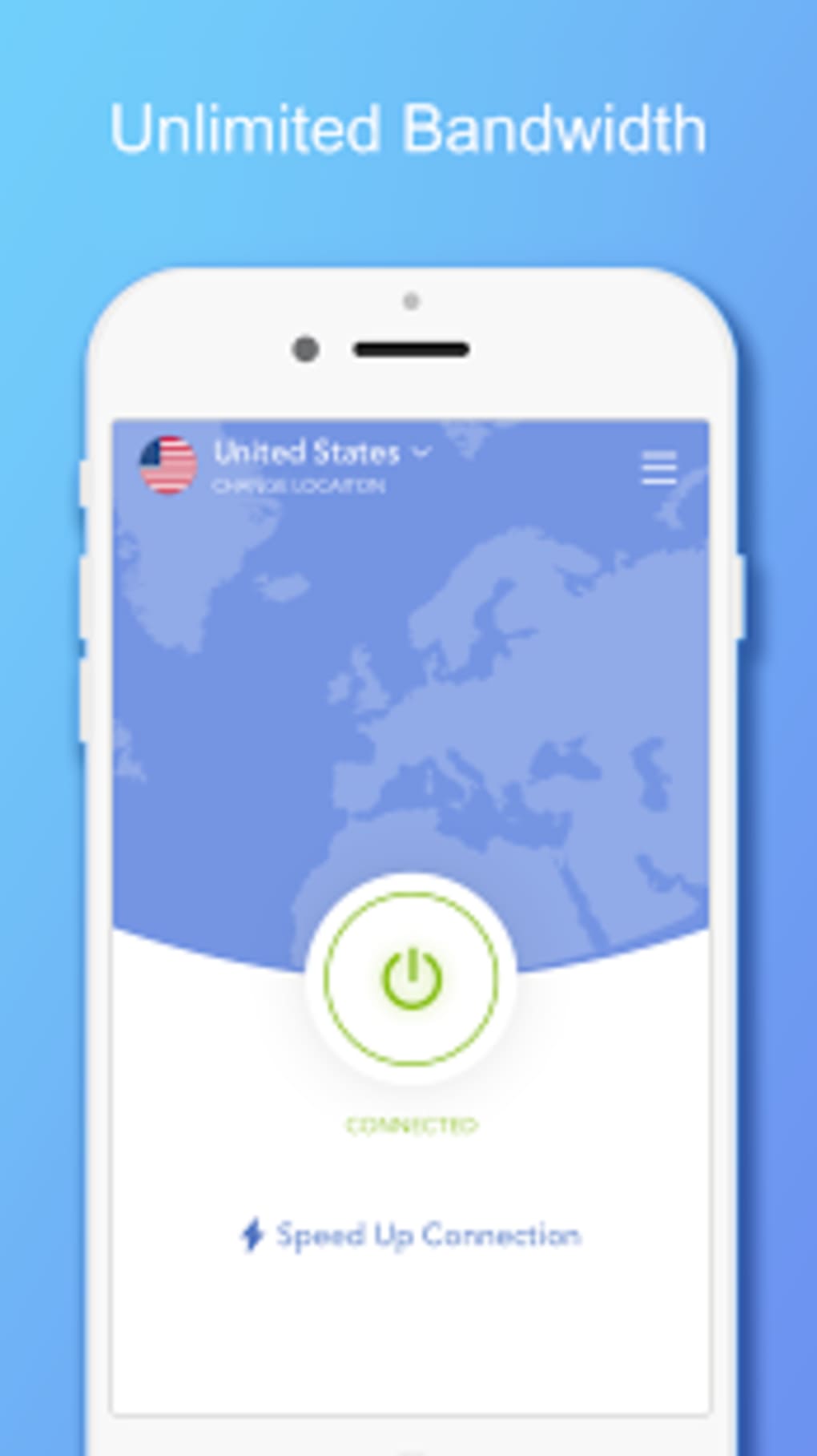
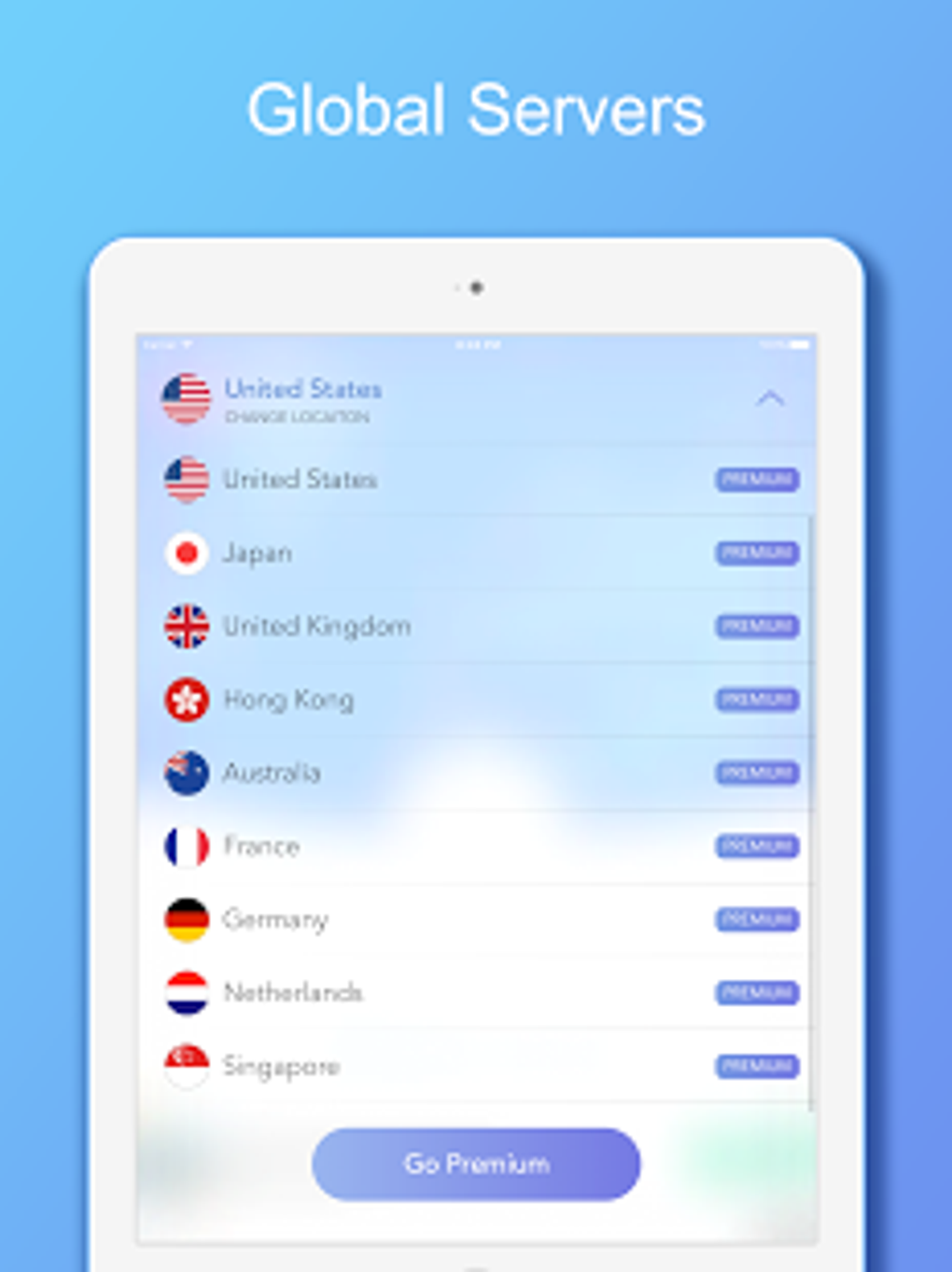
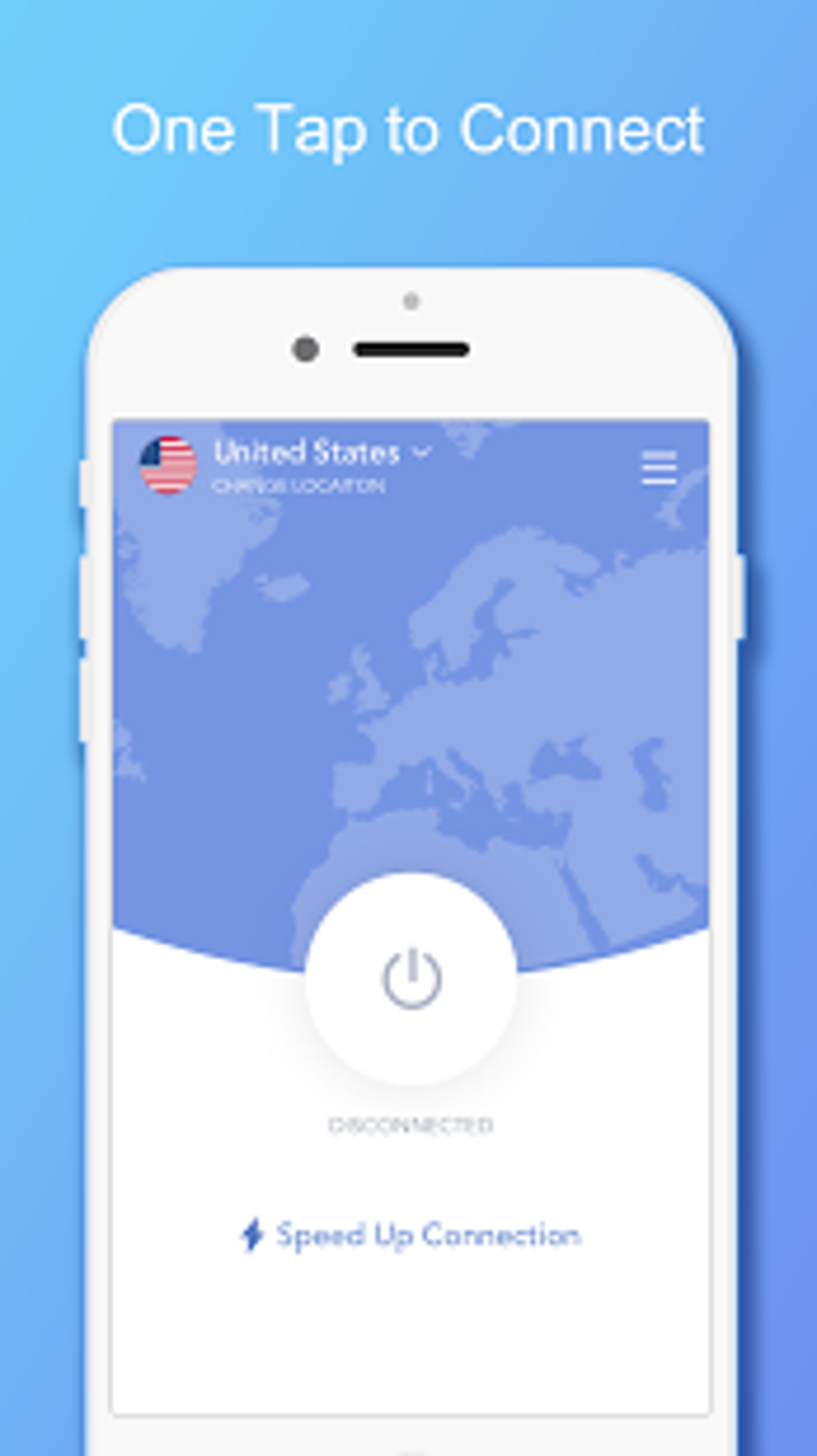
VPN 360 presents a streamlined user interface with minimal visual clutter, emphasizing ease of navigation. The main screen displays a central connection button, server location indicators, and a simple menu for switching between available servers. Users can initiate a connection with a single click, and the application automatically selects the optimal server based on network performance and proximity.
Workflow efficiency is enhanced by the absence of configuration steps, allowing users to begin browsing immediately after installation. The interface supports quick server switching, enabling users to explore different geographic locations without interrupting their session. However, detailed customization options such as protocol selection or DNS settings are not mentioned in the provided information.
Performance observations are based on general software behavior patterns. The developer did not specify resource usage details. General expectations for such applications include moderate CPU and RAM usage during active connections. Stability is assumed to be consistent with standard desktop applications, though real-world behavior may vary depending on system configuration and network conditions.
Compatibility & System Requirements
VPN 360 is compatible with both Windows and Mac operating systems. The software is available in version 2.1.5 and has an installation size of 48.5 MB. This relatively compact footprint suggests efficient packaging and minimal disk space usage.
Exact system requirements were not listed. The developer did not provide additional system requirements. Compatibility information is limited to the operating systems mentioned. Users should ensure their system meets the minimum standards expected for modern desktop applications. For optimal performance, it is recommended to use the latest stable versions of Windows or macOS.
Pros and Cons
Pros
- Completely free with no hidden fees or subscription models
- Supports unlimited data usage without throttling
- Automatically connects to the fastest available server
- Simple, beginner-friendly interface with intuitive navigation
- Offers privacy protection and anonymous browsing capabilities
- Compatible with both Windows and Mac platforms
Cons
- Exact system requirements were not specified
- Performance details such as CPU or RAM usage were not provided
- Limited information on encryption protocols or security standards
- No details on customer support or update frequency
- Privacy claims are made without independent verification
FAQ Section
Is VPN 360 safe to use on public Wi-Fi?
The application is designed to secure internet activity and protect data on untrusted networks. It uses a proxy-based system to encrypt traffic, which helps reduce exposure to potential threats on public hotspots.
Does the software work on both Windows and Mac?
Yes, the software is compatible with both Windows and Mac operating systems as stated in the provided information.
Is there a data limit or speed throttling?
According to the description, the software offers unlimited data and does not impose speed throttling, allowing unrestricted browsing and streaming.
How often does the software receive updates?
Update frequency information was not provided. Users should check the official source for the latest version and release notes.
Can I use VPN 360 offline?
The software requires an active internet connection to function. It cannot operate in offline mode, as it relies on server connectivity to route traffic.
Final Thoughts
VPN 360 stands out as a compelling free option for users seeking unrestricted access to global content, enhanced privacy, and secure browsing. Its automatic server selection, unlimited data policy, and user-friendly design make it accessible to non-technical users while still delivering performance-oriented features. While detailed technical specifications are limited, the core functionality aligns with common expectations for a modern desktop proxy tool.
It is best suited for individuals who prioritize cost-free access, privacy protection, and ease of use. Students, travelers, and casual internet users looking for a no-frills solution will find value in its straightforward operation. Despite the lack of transparency in some areas, the software delivers on its primary promises of anonymity, fast connectivity, and unrestricted access.
Download VPN 360 now





.png)

